
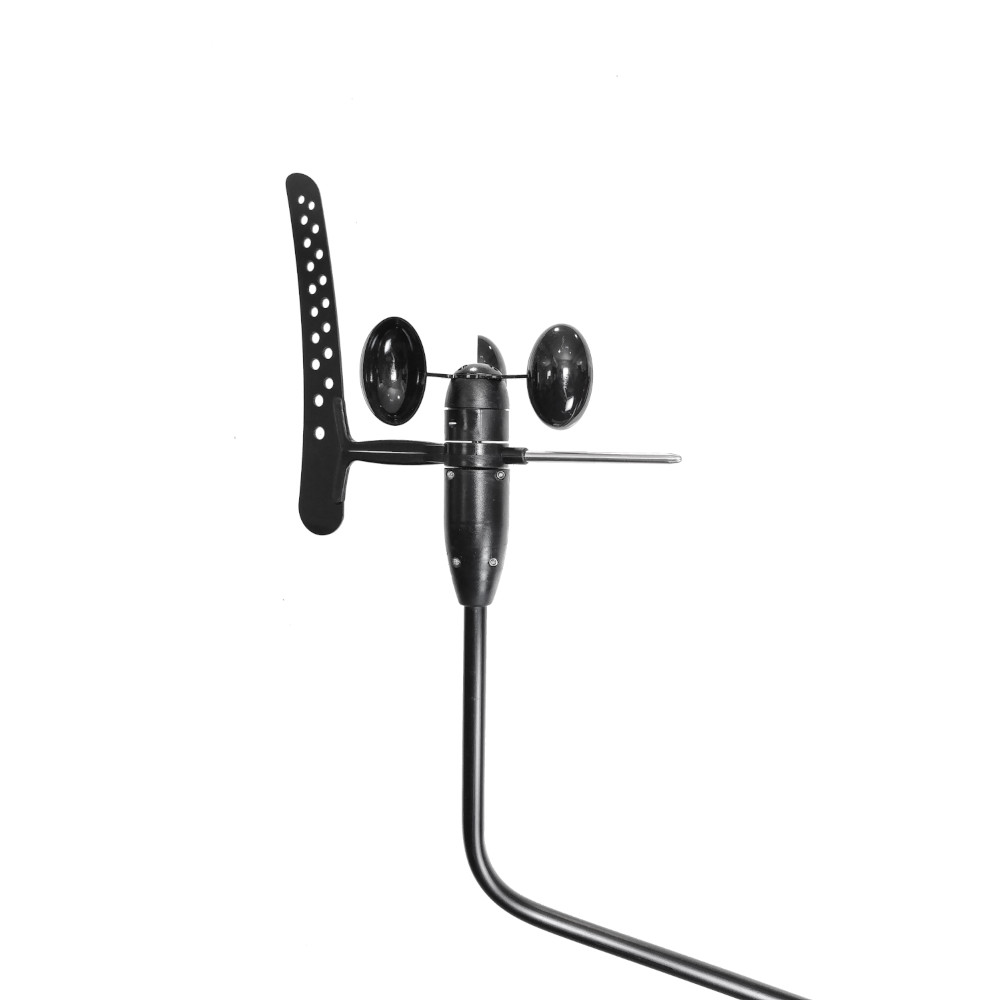
WND100 Wind Sensor
SKU: ZDIGWND100
How do I calibrate (zero) the wind angle offset on the WND100?
The WND100 does not have a physical calibration button. To remove the wind angle offset, you must send a calibration command directly to the sensor via its NMEA 0183 interface.
What do I need?
- A Windows PC or laptop
- A serial connection to the WND100 using either:
- An RS232 connection, or
- A Digital Yacht USB-to-NMEA adaptor cable (see the WND100 Quick Start Guide, page 4)
- A terminal application such as Tera Term or PuTTY
Step 1 – Connect the WND100
Connect the WND100 to your PC following the instructions in the WND100 Quick Start Guide.
Configure your terminal software (Tera Term, PuTTY or other) so that the End Of Line (EOL) characters are set to:
CR + LF
This is the standard line ending for NMEA 0183 sentences.
Step 2 – Verify communication
Before calibrating, confirm that your PC is communicating with the WND100 by sending the following command:
$PATC,IIMWV,RIDThe WND100 should reply with:
$PATC,WIMWV,RID,hhhhhwhere hhhhh is the unique serial number of your WND100.
If you do not receive a response, check your wiring, COM port selection, baud rate, and terminal settings before continuing.
Step 3 – Zero the wind angle offset
Position the boat so that it is pointing directly into the wind.
Once the boat is correctly aligned, send the following command:
$PATC,IIMWV,AHD,0.0The WND100 should acknowledge the command by returning:
$PATC,WIMWV,ACKStep 4 – Verify calibration
After receiving the acknowledgement, the wind angle offset has been removed. When the boat is pointing directly into the wind, the WND100 should now output a wind angle of approximately 0°.
Important Notes
- This calibration method is only required when using the WND100 as a standalone sensor.
- When used with the WindSense wireless interface, the calibration command is normally sent automatically by the WindSense unit.
- If the WND100 does not respond to commands, first verify the physical connection, terminal settings, and that CR + LF is configured as the line ending.
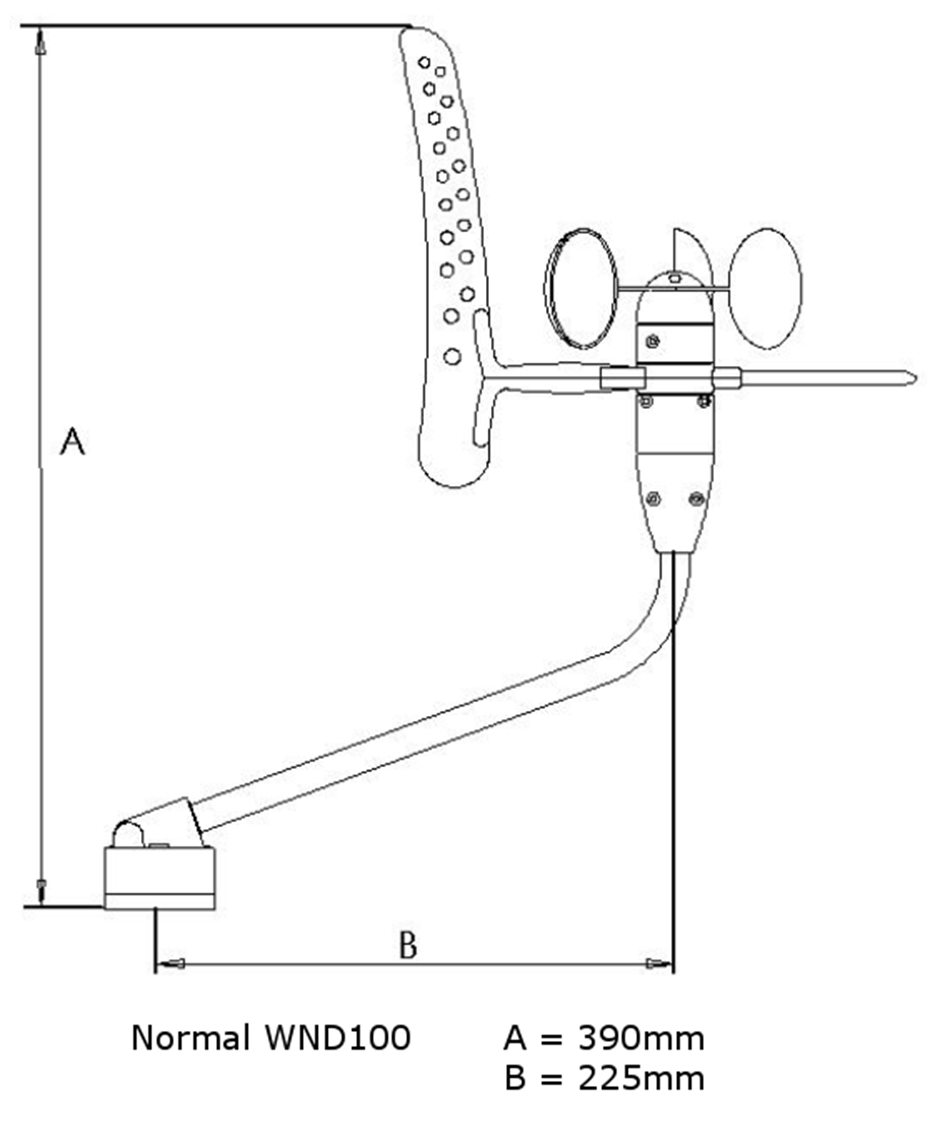
WND100 Drawings & Dimensions
Connecting WND100 to iKonvert

How to connect the WND100 to an NMEA 0183 to USB Adapter?

How to connect the WND100 to the Nasa Yacht Repeater?

How to connect the WND100 to an NMEA 0183 equipment?

How to connect the WND100 to the WLN10/WLN30?

How to connect WND100 to a Port Com?

How to connect the WND100 to an AIS transponder?

WND100 Quick Start Guide V2 01 Pdf
425.22 KBWND100 User Manual (English)
| Weight | 1350 g |
|---|---|
| NMEA Interface | NMEA 0183, NMEA 2000 |
Updating…