“The ideal data converter for any legacy Autohelm or Raymarine system”

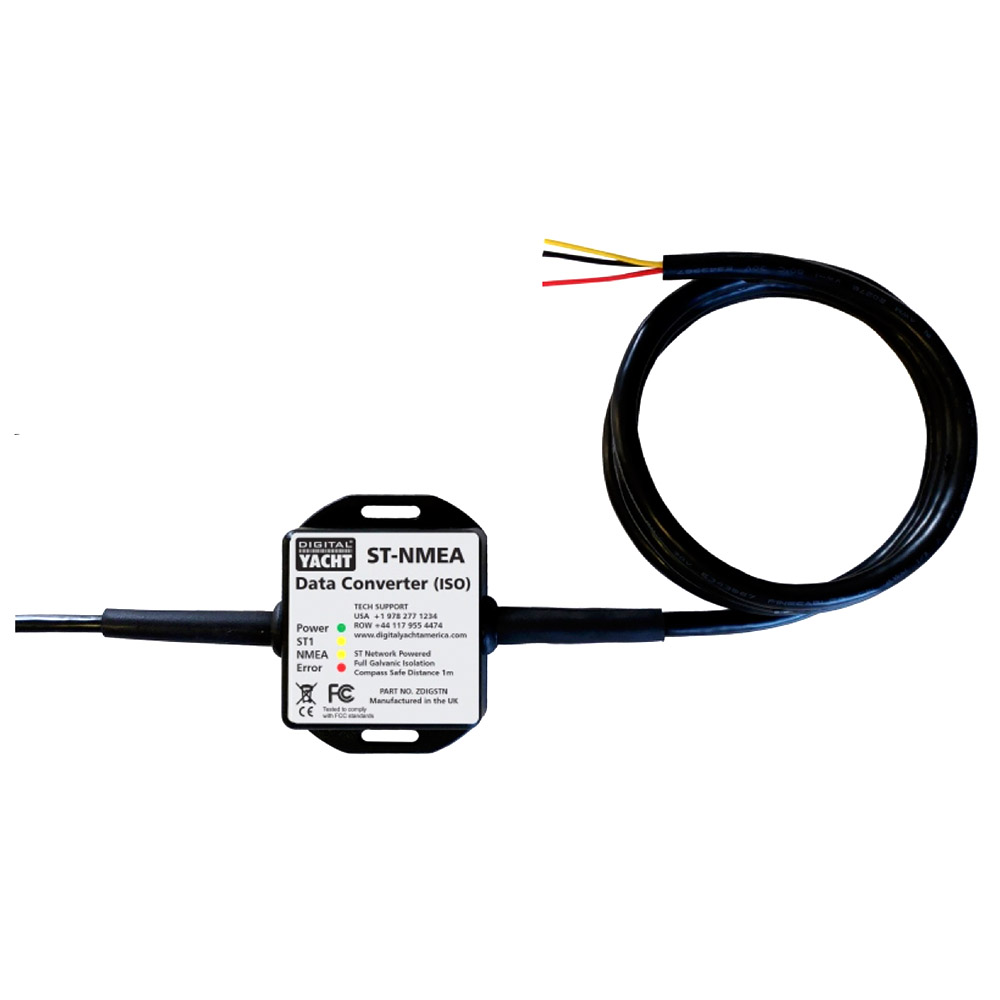
SeaTalk1 to NMEA 0183 Converter (ISO)
SKU: ZDIGSTN
How to update the SeaTalk converter firmware?
- If you have the Seatalk to USB converter, then you don’t need any extra cables
- If you have the Seatalk to NMEA 0183 converter then you will need an NMEA0183/RS422/RS232 to USB adaptor cable, but the procedure is the same.
- Please download the Tech Note that explains the procedure. It is the same procedure for our ST-NMEA, iKonvert and GPS160 products, that all have an STM32 micro.
- Also download the latest V2.08 firmware. This is a ZIP file which you will need to unzip and there is just one BIN file inside. This is the file that you upload to the ST-NMEA converter.
Enable STALK Mode on a SeaTalk Converter
If you have the Seatalk to USB converter, then you can plug this straight in to a Windows, LINUX or Mac computer and use a Telnet Terminal type program to send this command. If you have the Seatalk to NMEA0183 converter, you need to use a NMEA 0183 to USB Adapter.
On a Mac we use CoolTerm which is freeware by Roger Meier…
https://freeware.the-meiers.org/
You need to make sure that CoolTerm is set to send CR+LF as the Enter (EOL) characters, as this is always used in NMEA 0183 systems to indicate the end of the sentence has been reached.
Then copy the command: $PDGY,STalk,On
And paste it into CoolTerm or any Telnet Terminal Type program and the mode should change.
ST NMEA ISO Quick Start Guide V1 02 Pdf
1.12 MBST-NMEA ISO Latest User Manual (English)
“The ideal data converter for any legacy Autohelm or Raymarine system”
| Weight | 150 g |
|---|
Updating…
-

- No products in the cart.
Subtotal: £100.00