“Intrusion Detection, Data Analysis & 24/7 Monitoring of your boats NMEA 2000 system with NET Protect, the first cyber security tool for boats.”

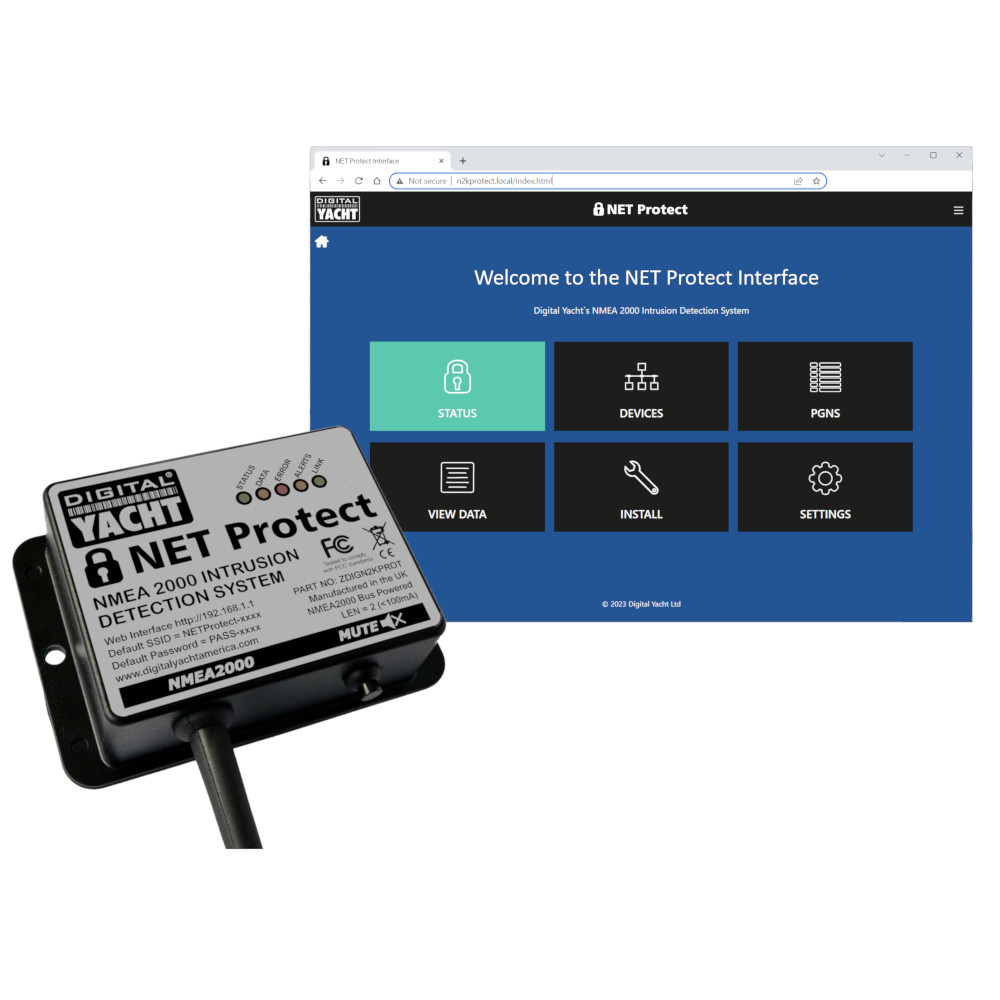
NET Protect – Cyber Security System
SKU: ZDIGN2KPROT
How to connect NET Protect to a Garmin MFD that supports OneHelm
If you wish to connect your NET Protect to a Garmin MFD that supports OneHelm, please ensure you have the latest NET Protect firmware and then follow the instructions below…
By default, Garmin do not enable the wireless interface in their units. If you cannot see a Garmin wireless network when you scan for networks, go to the MFD’s SETTINGS>COMMUNICATIONS>Wi-Fi NETWORK menu and enable the wireless network. You will be prompted to accept or change the default SSID and then to enter a wireless password.
Once this is setup and saved, you should be able to see the Garmin Wi-Fi network when you scan for networks.
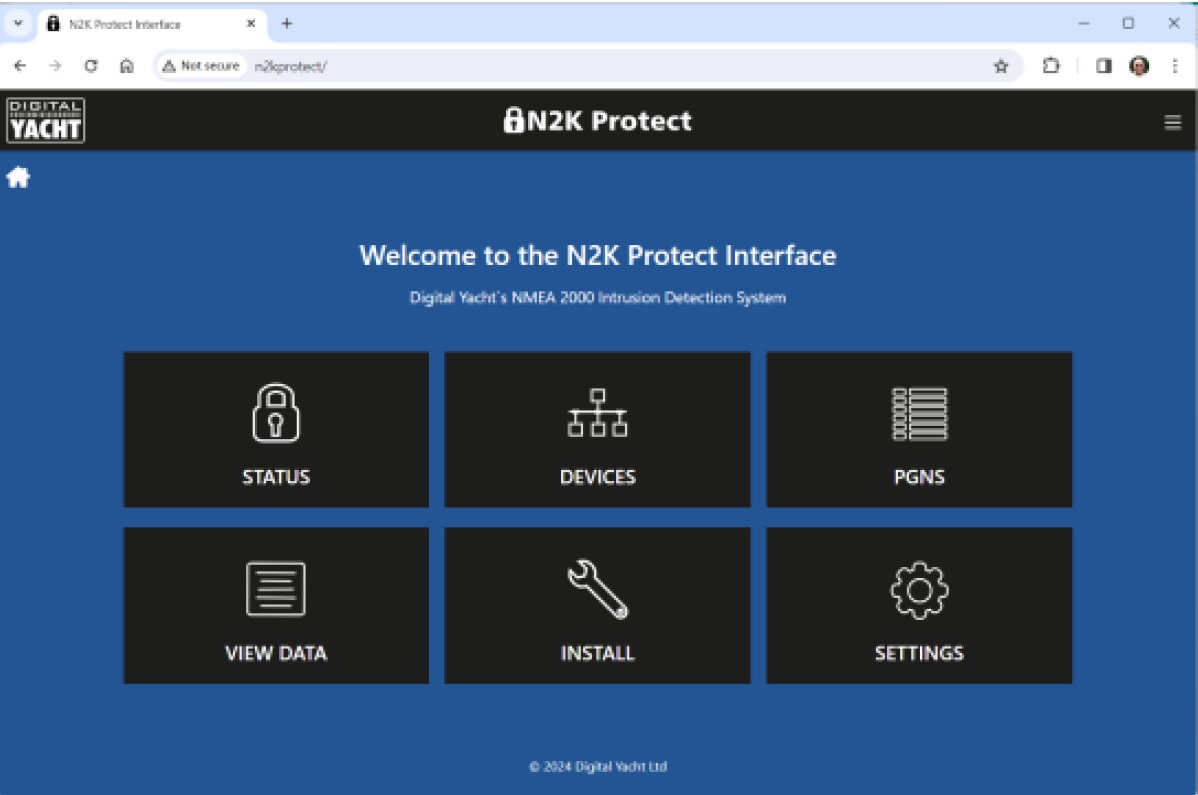
Wirelessly connect your mobile device to NET Protect’s wireless network and using the device’s web browser, bring up the NET Protect web interface.
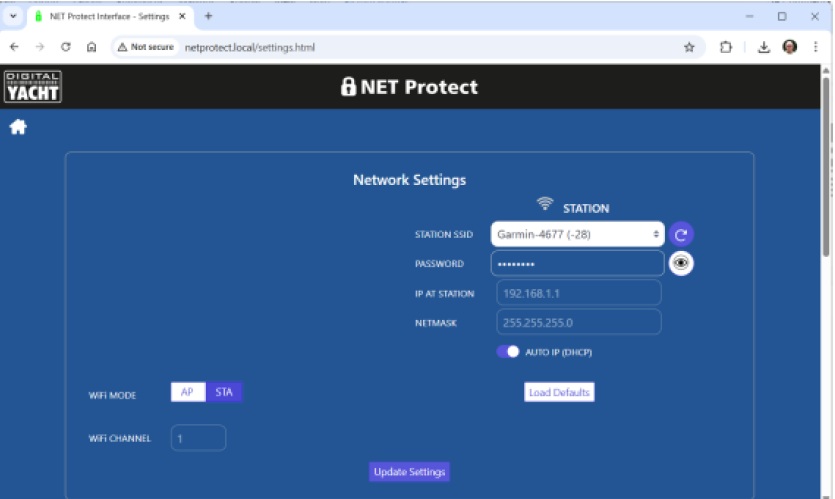
Go to the SETTINGS page, select STATION mode (STA), choose the Garmin wireless network from the drop down list, type in the wireless password and then click the “UPDATE SETTINGS” button ….
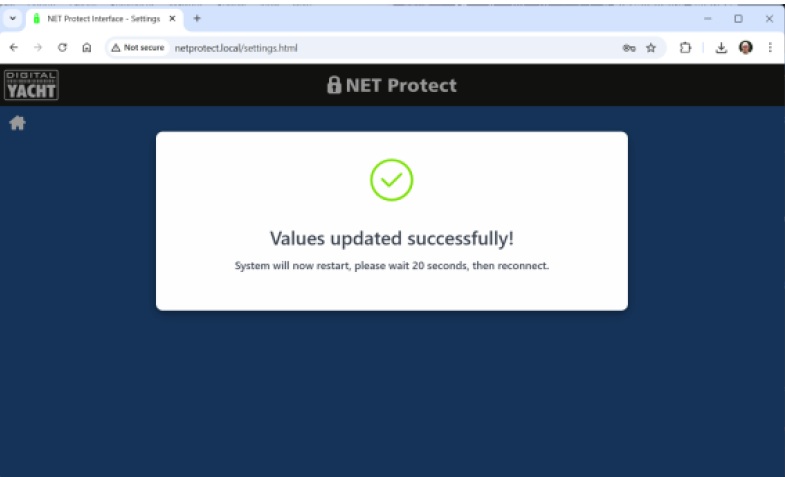
NET Protect should now display the following page and reboot. When it restarts, it will no longer create its own wireless network, but join the Garmin network. If it is successful, the STATUS LED will be permanently ON. If it is still flashing, then factory reset the NET Protect and repeat the process again, paying particular attention to enter the wireless password correctly.
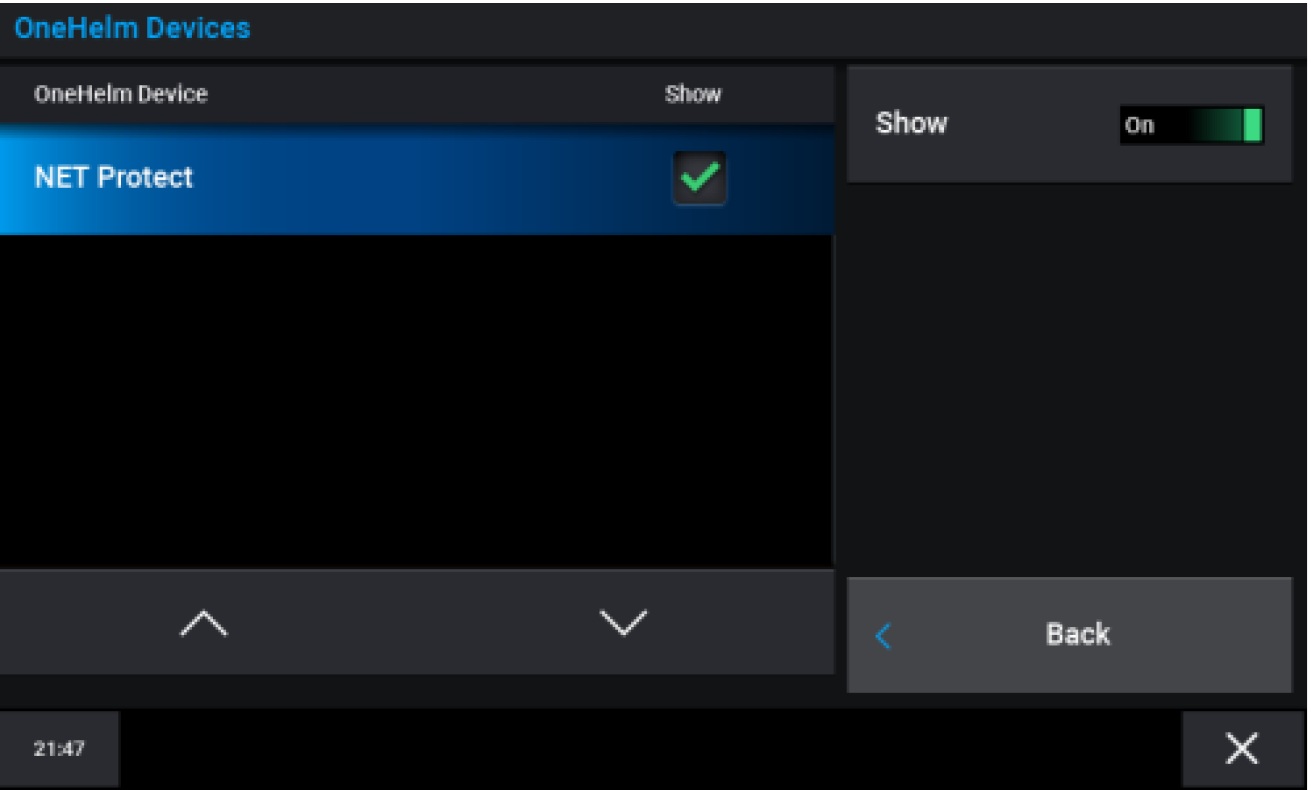
The Garmin MFD should auto-discover the NET Protect and list it in the OneHelm Devices, SETTINGS>COMMUNICATIONS>ONEHELM DEVICES page…
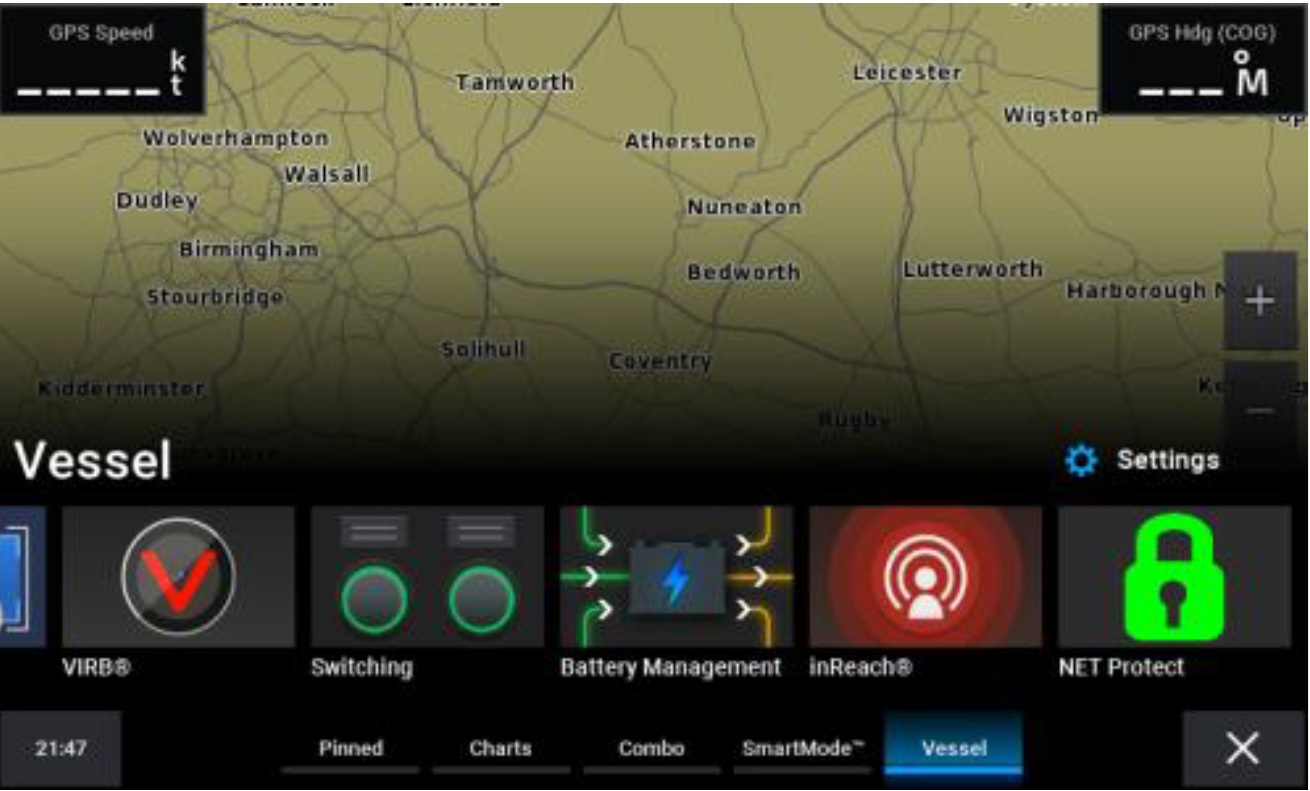
Also you will see the NET Protect icon in the HOME>VESSEL page …
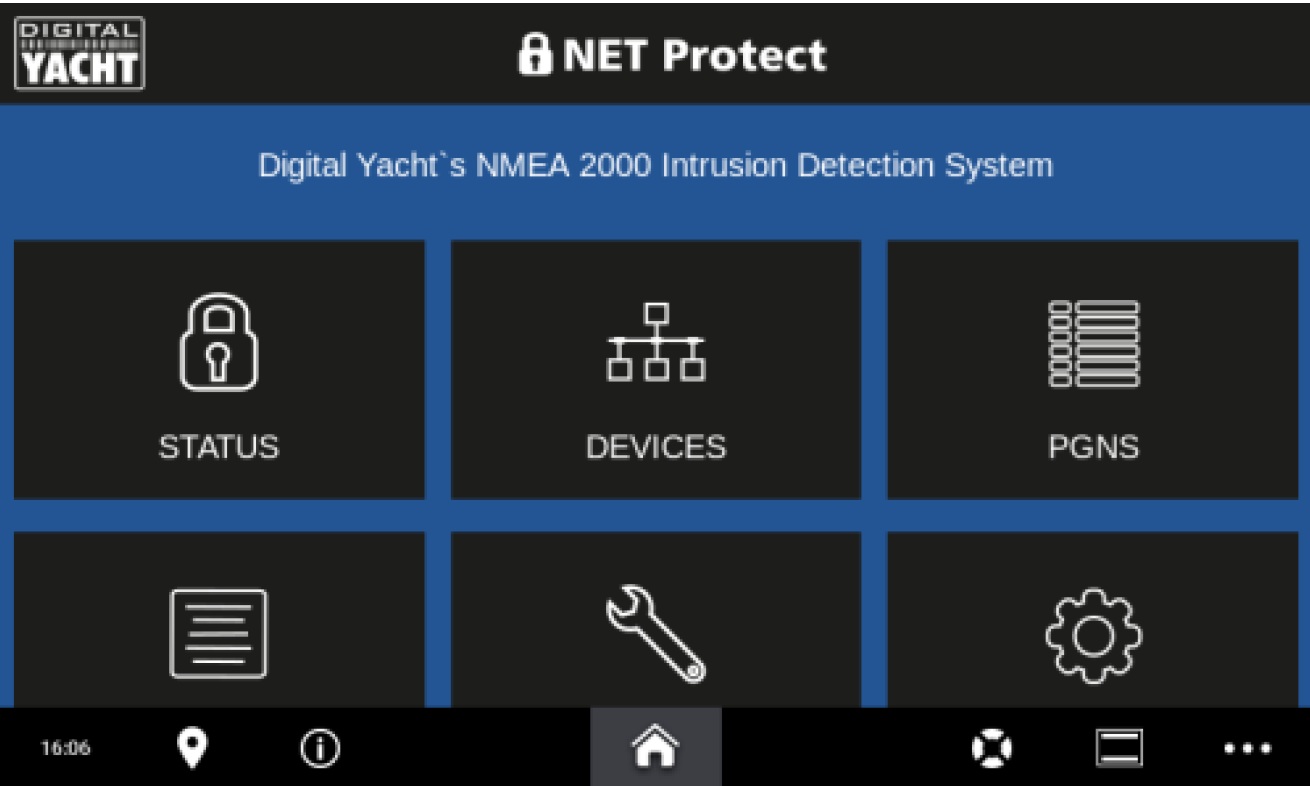
Click on this icon to access and operate the NET Protect web interface…
What’s the WiFi network password?
By default, NMEA to WiFi server’ creates a wireless Access Point (hotspot) on-board your boat. The Name (SSID) of the Access Point will be “NavLink2-xxxx†or “DY-WiFi-xxxx‘, etc, depending on the product you’ve purchased, where xxxx is the unique four digit code of your device.
To connect to the NMEA to WiFi server, you will need to scan for wireless networks, find and select it in the network list and then when prompted, enter the default WPA2 password, which is “PASS-xxxxâ€, where xxxx is the same, unique four digit code that is in the hotspot name.
For instance, if you have a WLN30 and the WiFi network name created is DY-WiFI-D4B7 then the WiFi network password is: PASS-D4B7
“Intrusion Detection, Data Analysis & 24/7 Monitoring of your boats NMEA 2000 system with NET Protect, the first cyber security tool for boats.”
| Weight | 200 g |
|---|---|
| Dimensions | 105 × 72 × 32 mm |
Updating…