“PilotLINK 2 allows Class A transponders to interface with the latest range of mobile devices including iPhones, tablets and PCs/MACs. Applications range from maritime pilots through to survey ship charter users who may want access to the ship’s AIS and GPS data.”

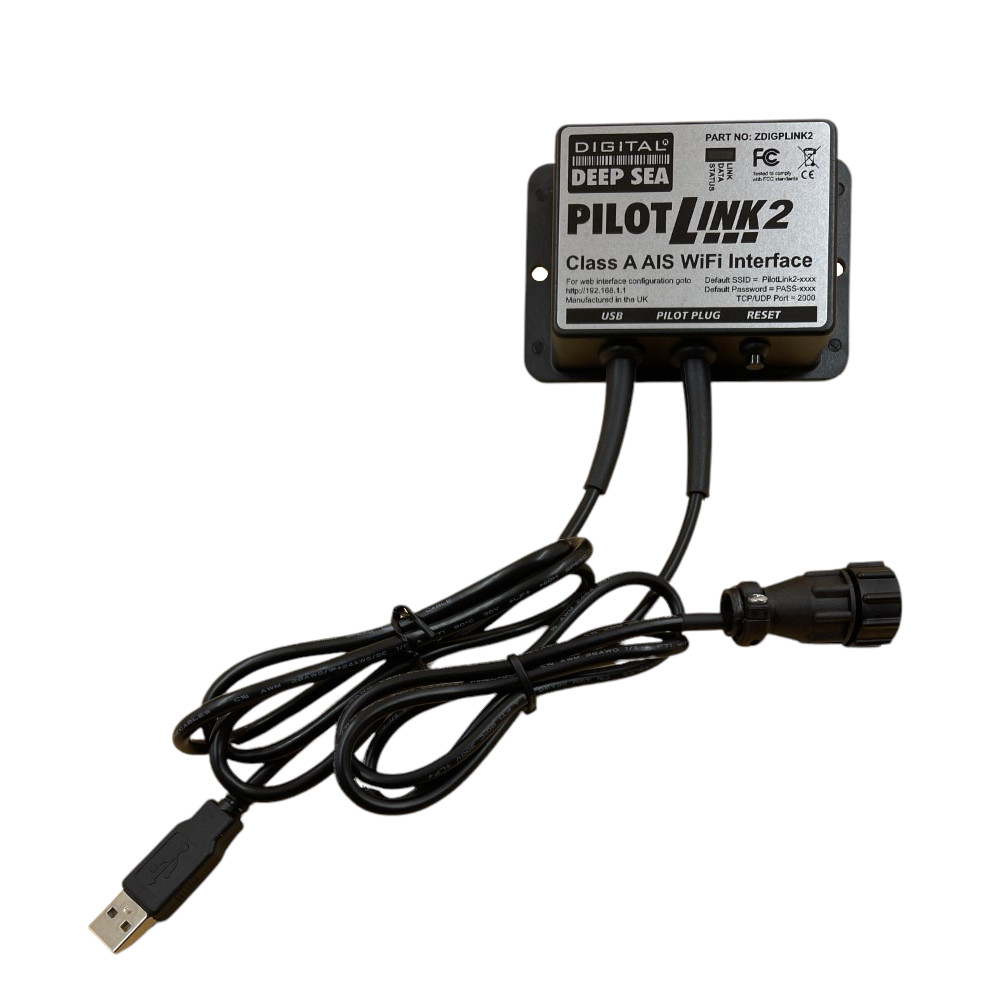
PilotLINK2
SKU: ZDIGPLINK2
Why my navigation app does not use my AIS transponder’s GPS position from PilotLink2?
Most Class A transponders are only mandated to output VDM and VDO sentences. The VDO sentence includes your ship’s “own” position, as reported by the AIS unit’s GPS and this can be used by ECDIS and ECS systems to validate the position received from the ship’s main GNSS positioning system. Unfortunately, the Navionics App only accepts an external wireless position from an RMC sentence.
Some Class A transponders allow you to turn on other output sentences and if your unit is one of these, then you could enable RMC and your navigation app will start to use the GPS position from the PilotLink2. The other option, if your iPad is a 4G model (not WiFi Only) is to use the GPS in the iPad, but on a large steel vessel, GPS reception on the iPad may be poor.
PilotLink2 User Manual V1 00 Eng Pdf
501.12 KBPilotLink2 Latest User Manual (English)
“PilotLINK 2 allows Class A transponders to interface with the latest range of mobile devices including iPhones, tablets and PCs/MACs. Applications range from maritime pilots through to survey ship charter users who may want access to the ship’s AIS and GPS data.”
| Weight | 250 g |
|---|---|
| Dimensions | 105 × 72 × 32 mm |
Updating…